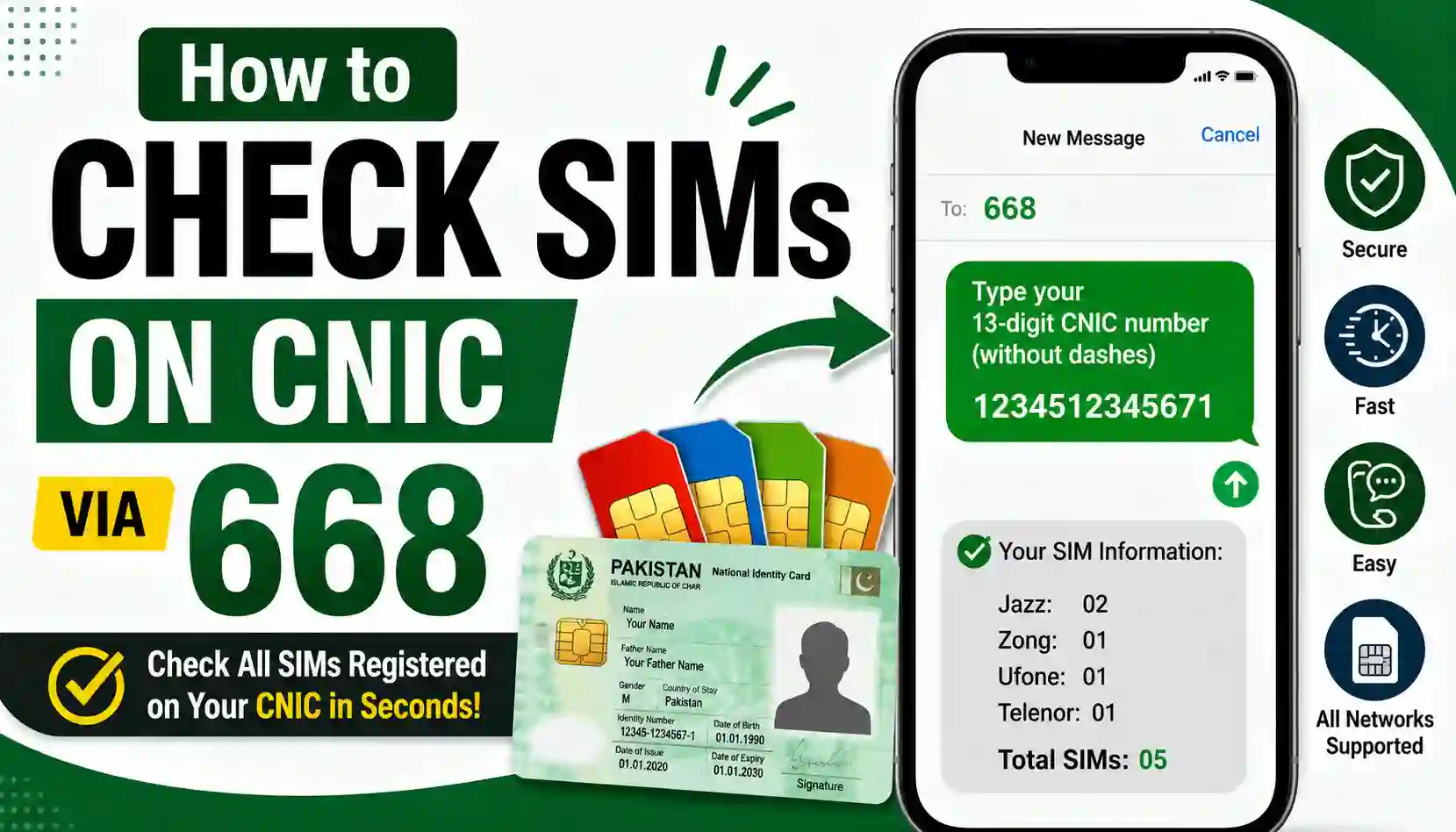
In Pakistan, every SIM card is legally tied to the buyer’s CNIC. That’s a good security measure — until someone else’s SIM ends up registered under your CNIC without your knowledge. It happens more often than people realize, usually through stolen ID copies, fake biometric verification, or simple data leaks.
The good news: the Pakistan Telecommunication Authority (PTA) gives every citizen a free, instant way to check exactly how many SIMs are registered against their CNIC — no app, no website required. All it takes is one text message to the short code 668.
This guide walks you through exactly how to use the 668 service, what the reply means, and what to do if you find a SIM you don’t recognize.
What Is the 668 SIM Check Code?
668 is PTA’s official SIM Information System short code. It was set up specifically so people could self-check their own SIM registration status and catch unauthorized SIMs early — a problem PTA flagged as a major identity-theft and fraud risk when it rolled the system out.
When you text your CNIC number to 668, PTA’s system searches its database and replies with a breakdown of how many SIMs are currently active under your CNIC, listed by mobile network.
It’s the telecom equivalent of checking your credit report — except it costs a few rupees and takes seconds instead of days.
How to Check SIMs on CNIC via 668 (Step-by-Step)
Here’s exactly what to do:
- Open the messaging app on any mobile phone — smartphone or basic keypad phone, it doesn’t matter.
- Type your 13-digit CNIC number with no dashes and no spaces (for example, 3520112345678).
- Send the message to 668.
- Wait for the reply. It usually arrives within 10 to 30 seconds.
- Read the breakdown. PTA’s reply will list the number of SIMs registered against your CNIC, separated by network — Jazz, Zong, Telenor, Ufone, and SCO.
That’s it. No internet connection is needed, which makes this method useful even in areas with weak mobile data coverage.
Note: Sending the SMS to 668 carries a small charge (typically a couple of rupees plus tax), deducted from your mobile balance. If you’d rather check for free, see the online alternative below.
How to Check SIMs on CNIC Online (Free Method)
If you prefer not to pay the SMS fee, or you’re outside Pakistan and can’t send an SMS to a local short code, PTA also offers a web-based version of the same check:
- Go to PTA’s official SIM Information System portal.
- Enter your 13-digit CNIC number.
- Complete the verification step (usually a simple CAPTCHA).
- Submit the form.
You’ll get the same network-by-network SIM count as the SMS method, but for free — and it works from anywhere in the world, which is handy for overseas Pakistanis who want to check their CNIC remotely.
Understanding Your 668 Reply
Once you get the reply, read it carefully. It will show something like a count of SIMs per operator. Add the numbers together to get your total SIM count across all networks.
Here’s how to interpret the result:
- The count matches what you actually own and use — you’re in the clear. No action needed.
- The count is higher than expected — this is the red flag. It means at least one SIM is registered under your CNIC that you didn’t activate yourself, or that you forgot to deactivate.
Don’t ignore an unexpected SIM, even if it seems minor. A SIM registered under your name is legally your responsibility — meaning if it’s ever used for fraud, scam calls, or any criminal activity, the investigation trail leads back to your CNIC, not the actual user.
What to Do If You Find an Unknown SIM
If your 668 check turns up more SIMs than you recognize, take these steps right away:
- Identify the network. Your 668 reply tells you which operator the unfamiliar SIM belongs to (Jazz, Zong, Telenor, Ufone, or SCO).
- Visit that operator’s franchise or service center in person. Bring your original CNIC — not a photocopy.
- Request to “disown” or block the unrecognized SIM. The operator will verify your identity (usually via biometric fingerprint matching with NADRA) and start the process of removing the SIM from your CNIC.
- File a complaint with PTA if needed. If the operator isn’t responsive, PTA’s consumer complaint system can escalate the issue.
- Recheck via 668 after a few days to confirm the SIM has actually been removed from your CNIC record.
Acting quickly matters. The longer an unauthorized SIM stays active under your identity, the more exposure you have if it’s used for anything illegal.
How Many SIMs Can Be Registered on One CNIC?
PTA does cap the number of SIMs allowed per CNIC to reduce fraud and SIM-farming, and this limit has changed over the years as policy has evolved. Because the exact current cap is something PTA updates periodically, the safest move is to confirm the live number directly on PTA’s official website or by calling their helpline rather than relying on a fixed figure — that way you’re never working off an outdated rule.
What matters more than memorizing the exact number is this: if your 668 check shows a count that feels too high, or includes SIMs you don’t recognize, that’s your signal to investigate — regardless of what the official cap happens to be.
668 vs. 667: Don’t Mix These Up
These two short codes get confused constantly, so it’s worth being clear:
- 668 tells you the total number of SIMs registered against your CNIC, across all networks.
- 667 is used differently — you send the word “MNP” (or sometimes just a blank message, depending on guidance at the time) from a specific SIM already in your phone, and it tells you who that one SIM is registered to.
In short: use 668 to audit your entire CNIC. Use 667 to verify a single SIM you’re currently holding — useful if you’re buying a second-hand SIM and want to confirm it’s actually registered to the person selling it to you.
Why You Should Check Regularly
Most people check their CNIC’s SIM status once, see nothing alarming, and never think about it again. That’s a mistake. New SIMs can be fraudulently registered against your CNIC at any point — through a leaked ID photo, a corrupt retailer, or stolen biometric data.
A simple habit fixes this: check via 668 every few months, the same way you’d periodically check your bank statement. It costs almost nothing and takes under a minute, but it’s one of the few effective defenses against SIM-based identity fraud in Pakistan.
Frequently Asked Questions
Is checking SIMs via 668 free?
The SMS method carries a small charge (a few rupees plus tax). The online portal version is free.
Can I check someone else’s SIM details using 668?
No. The 668 system only returns information for the CNIC you submit, and you should only ever submit your own. Looking up another person’s SIM information without authorization isn’t something this system is designed to do, and attempting to access someone else’s data through unofficial means raises serious privacy and legal concerns.
What if I don’t have access to a mobile phone to send the SMS?
Use the online PTA portal instead — it only requires a CNIC number and internet access, not a working SIM.
Can overseas Pakistanis check their CNIC for registered SIMs?
Yes. Since the SMS method requires sending a text from a Pakistani number, overseas users should use the online portal method instead, which works from any country.
How long does it take to block an unauthorized SIM after reporting it?
This depends on the operator and the verification process, but starting the process as soon as you spot the issue is the best way to limit how long it stays active.
This guide is for informational purposes and reflects PTA’s publicly available SIM-checking process. For the most current rules, limits, and procedures, always refer to PTA’s official channels directly.
For More Details Sims OwnerShip