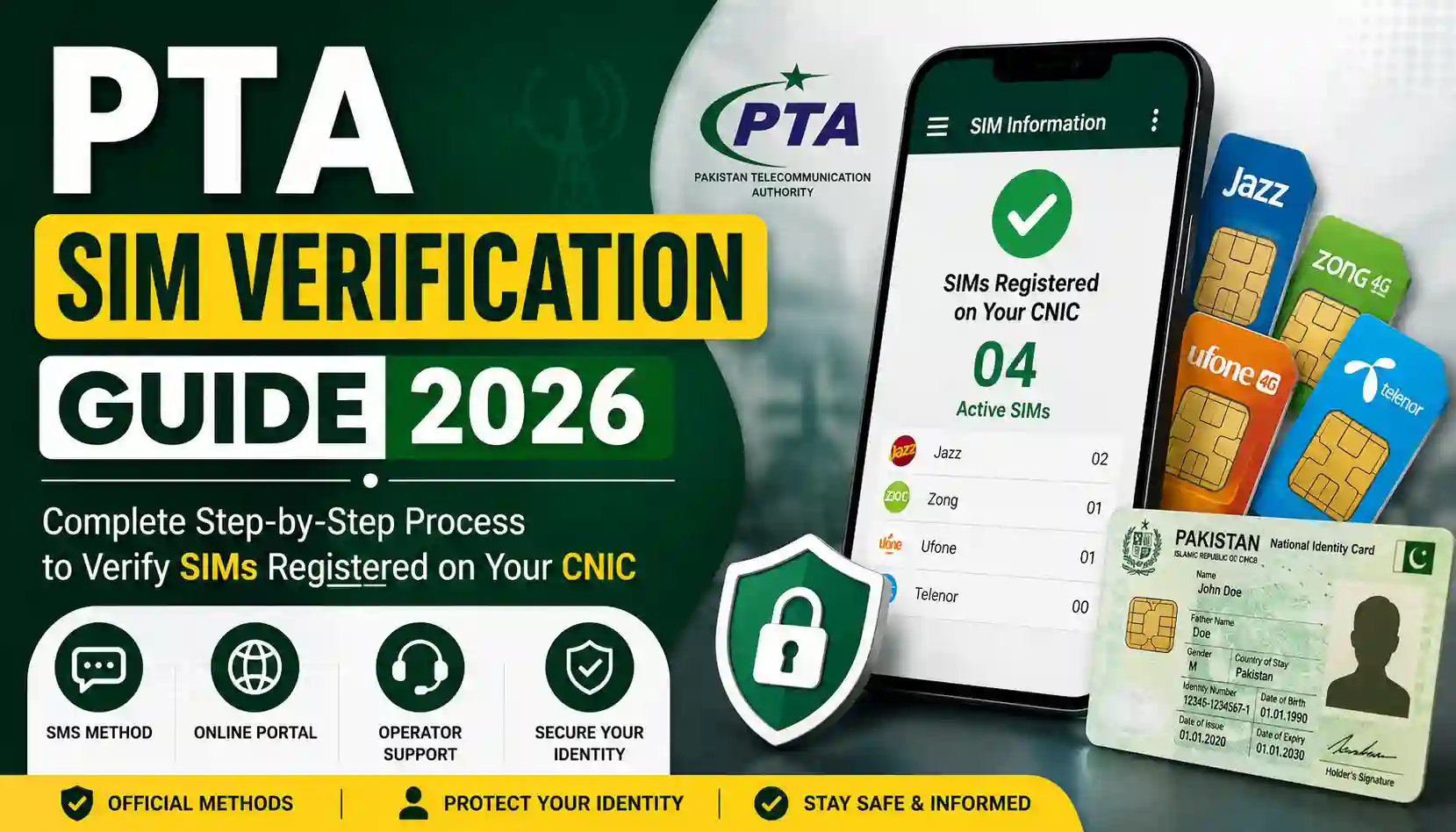
Every mobile number in Pakistan is tied to a real identity. Since the Pakistan Telecommunication Authority (PTA) made biometric SIM registration mandatory, your Computerized National Identity Card (CNIC) has become the legal anchor for every SIM card activated in your name — and you are responsible for everything that happens on it.
That’s exactly why a PTA SIM verification guide for 2026 matters more than ever. Thousands of people unknowingly have SIM cards registered against their CNIC that they never purchased. These unauthorized SIMs can be used for fraud, scam calls, or even criminal activity — and the legal responsibility falls on the CNIC holder, not the person misusing the number.
In this guide from Sims Ownership, we’ll walk you through exactly how PTA SIM verification works in 2026, the official methods to check your SIMs, how to remove unauthorized numbers, and the safest practices to protect your digital identity.
What Is PTA SIM Verification?
PTA SIM verification is the official process that allows every Pakistani citizen to check how many mobile SIM cards are registered against their CNIC, confirm whether those SIMs are biometrically verified, and take action if an unfamiliar number shows up in the results.
The system works by linking each of Pakistan’s mobile network operators — Jazz, Zong, Telenor, Ufone, and SCO — to a central database that cross-checks SIM ownership against NADRA’s national identity records. Whenever a SIM is sold, replaced, or transferred, the buyer’s fingerprint is matched against this database before the connection can be activated.
In short, PTA SIM verification exists to do three things:
- Confirm your identity is correctly linked to every SIM you legally own.
- Help you detect and remove SIMs registered without your knowledge.
- Keep Pakistan’s telecom network compliant with national security regulations.
Why PTA SIM Verification Matters in 2026
Mobile-based fraud and SIM swap scams have grown sharply across Pakistan in recent years. Mobile wallets like JazzCash and Easypaisa, banking OTPs, and even government services are all tied to your registered SIM number. If a fraudster manages to register a SIM using a stolen or misused CNIC, they can potentially intercept verification codes, open fraudulent accounts, or carry out scams — all while the legal liability sits with the actual CNIC holder.
That means a SIM you never bought, sitting quietly under your name, is a real risk. Regular PTA SIM verification helps you catch that risk early, before it turns into a frozen bank account or a police complaint at your doorstep.
How PTA SIM Registration Actually Works
Understanding the registration process makes it easier to understand why verification matters. Here’s what officially happens whenever a new SIM is issued or transferred in Pakistan:
Step 1: Visit an authorized franchise. Only PTA-authorized retailers equipped with certified biometric terminals are legally permitted to register SIMs. SIMs sold by unauthorized shops without proper biometric verification are considered invalid.
Step 2: Present your original CNIC. A photocopy, scanned image, or expired card is not accepted. Staff verify the CNIC number directly against NADRA’s database to confirm it isn’t blocked or flagged.
Step 3: Biometric fingerprint scan. Your fingerprint is captured and matched in real time against your NADRA record. If it doesn’t match, the SIM cannot be activated.
This biometric layer is what makes the Pakistani SIM ecosystem different from most countries — every active connection is tied to a verified human being, not just a name on a form.
Official Methods to Check SIM Verification in 2026
PTA offers several free and low-cost ways to check which SIMs are registered on your CNIC. Always use official channels only — never a random third-party app or website that asks you to submit your CNIC for “instant owner lookup,” since this can expose your personal data.
1. SMS Your CNIC to 668
This is the fastest and most widely used method.
- Open your messaging app and type your 13-digit CNIC number without dashes (e.g., 3520112345671).
- Send it to 668.
- Within seconds, you’ll receive a reply showing the total number of SIMs registered against your CNIC, broken down by operator.
This service typically costs a small SMS fee plus tax and works on any active Pakistani number.
2. Send “MNP” to 667
If you want to confirm the registered details of a specific SIM in your possession (useful before switching networks through Mobile Number Portability), send the keyword to 667. You’ll receive confirmation details tied to that particular number, which is especially useful when verifying a SIM before porting it to another operator.
3. Use the PTA Online SIM Information Portal
If you’re outside Pakistan, have limited SMS balance, or simply prefer a browser-based option, PTA’s official online portal lets you enter your CNIC and a CAPTCHA to view your registered SIMs digitally. This method is free and works internationally, making it a solid choice for overseas Pakistanis checking their CNIC status remotely.
4. Operator-Specific Biometric Verification Codes
Each network also provides its own quick biometric verification check:
- Jazz: Send your CNIC to 6001
- Zong: Send “V” to 7911
- Telenor: Send a blank SMS to 7751
- Ufone: Dial *336# and select the verification option
These checks confirm whether the specific SIM in your hand is biometrically verified and active under PTA compliance.
5. Visit a Franchise in Person
If you don’t have a working SIM to send an SMS from, or prefer face-to-face confirmation, you can visit any operator’s customer service center with your original CNIC and request a printed SIM registration summary.
How Many SIMs Can You Register on One CNIC?
PTA has set a maximum limit on the number of voice SIMs that can be registered against a single CNIC across all networks combined. If your verification results show a number close to or exceeding this limit and you don’t recognize all the listed SIMs, it’s a strong signal that unauthorized registrations may be happening under your identity — and you should act immediately.
What to Do If You Find an Unauthorized SIM
Finding a SIM you didn’t register can be alarming, but the resolution process is straightforward if you act quickly:
- Save your verification results. Screenshot the 668 SMS reply or print the online portal result as evidence.
- Visit the relevant operator’s franchise. Bring your original CNIC and go to the customer service center of the network showing the unfamiliar SIM (Jazz, Zong, Telenor, Ufone, or SCO).
- Request a “disowning” or blocking request. Explain that the number was never registered by you and show your PTA verification results.
- Complete biometric confirmation. The franchise will verify your fingerprint against the CNIC to confirm you are the rightful identity holder, then submit a formal disowning request to PTA.
- Recheck after a few days. SMS 668 again or use the online portal to confirm the unauthorized SIM has been removed from your CNIC record.
- File a complaint if needed. If the operator delays or the SIM has already been used for suspicious activity, file a formal complaint with PTA so there’s an official record protecting you from future liability.
Common Mistakes to Avoid During SIM Verification
- Confusing 668 and 667. Remember: 668 tells you how many SIMs are on your CNIC; 667 is tied to the MNP/porting verification of a specific SIM you already hold.
- Trusting third-party “owner lookup” websites. Only PTA’s official channels are legally authorized to provide SIM registration data tied to your own CNIC. Random websites promising to reveal someone else’s SIM owner details are both unreliable and illegal to use.
- Relying on number prefixes to guess the network. Mobile Number Portability means a number’s original prefix no longer guarantees its current operator.
- Ignoring small discrepancies. Even one extra SIM you don’t recognize is worth investigating — fraud often starts small.
- Forgetting to recheck periodically. SIM verification isn’t a one-time task. Make it a habit every few months, especially if you’ve recently lost your CNIC or had it photocopied for any transaction.
How Often Should You Verify Your SIMs?
Given how central your CNIC is to mobile banking, two-factor authentication, and digital onboarding across Pakistan, checking your registered SIMs every two to three months is a reasonable habit. It costs next to nothing, takes less than a minute, and gives you an early warning system against identity misuse.
Final Thoughts
PTA’s biometric SIM verification system is one of the strongest identity-protection tools available to ordinary citizens in Pakistan — but only if you actually use it. A quick SMS to 668 today could be the difference between catching a fraudulent SIM early or discovering it months later when your bank account is already compromised.
At Sims Ownership, we’re committed to helping you understand and navigate Pakistan’s telecom and identity verification systems with clear, accurate, and up-to-date information. Bookmark this guide, share it with your family members who may not be aware of their SIM status, and make PTA SIM verification a regular part of protecting your digital identity in 2026.
For more on related topics, check out our other guides on how to block unauthorized SIMs and protecting your CNIC from misuse here on Sims Ownership.
Disclaimer: SIM registration limits, codes, and procedures are set by the Pakistan Telecommunication Authority (PTA) and individual mobile operators, and may be updated periodically. For the most current official information, always cross-check with PTA’s official website.